Twitch sub badge maker
Twitch Sub Badge MakerSix tiers that still read at 18 px.
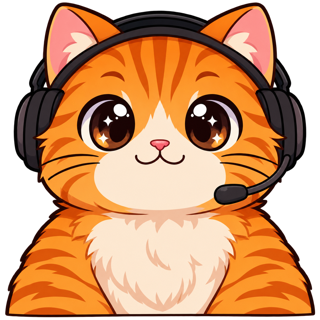
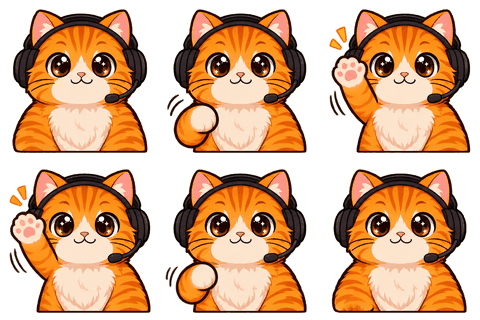
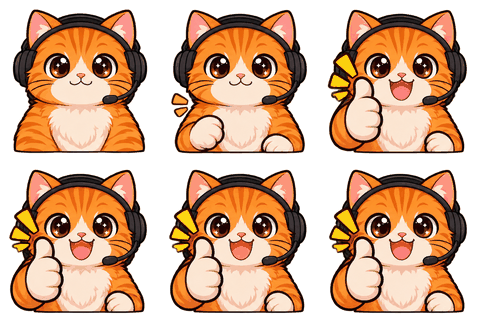
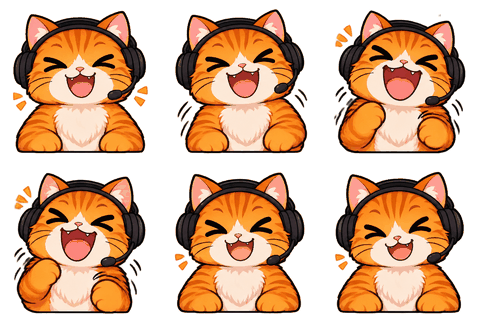
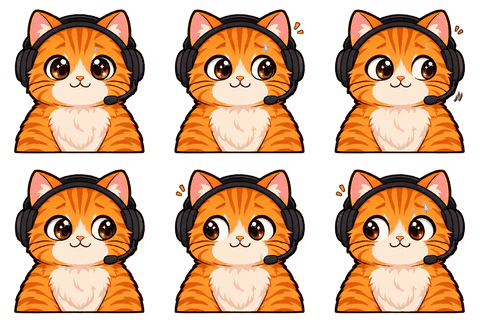
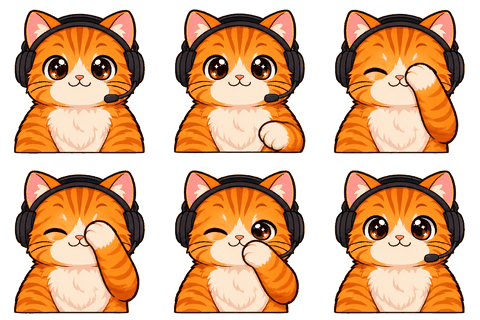
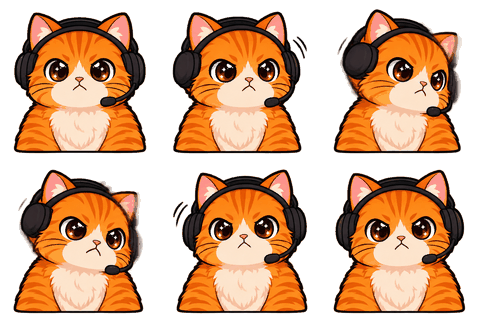
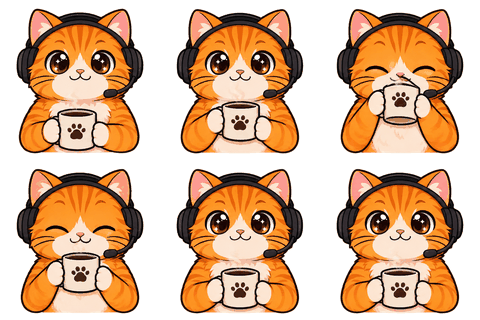
Twitch Sub Badge Maker draws six loyalty badges around your locked character — 1, 3, 6, 9, 12 and 24 months — and exports each at 18, 36 and 72 px as a transparent PNG under Twitch’s 25 KB limit, with matching bits badges if you want them.
- One character, every asset
- Passes Twitch & Discord limits
- Start free, no picture needed
The 18 px problem
Badges live next to usernames
A sub badge sits in front of a name in chat at 18 px. At that size a face is about six pixels wide. Detailed badges turn into colored blobs, and the tiers become impossible to tell apart.
Our badge recipe asks for icon-style art: thick outline, very few shapes, high contrast, and a clear progression — plain, bronze rim, silver rim, gold rim, a small crown, then radiant gold with sparkles. The preview shows each one at 72, 36 and 18 px side by side so you can judge before downloading.
Files
Eighteen PNGs per set, all under 25 KB
Six tiers × three sizes. If a lossless PNG would be over 25 KB (rare at these sizes, but it happens with gradients), the encoder switches to a 256, 128 or 64-color palette PNG and marks it in the check panel.
- twitch-badges/sub/name_1-month_18.png, _36, _72 … up to 2-years
- twitch-badges/bits/name_bits-1_18.png … up to bits-100k
- Transparent background, square, named the way the upload form lists them.
Upload
Where they go
Creator Dashboard → Viewer Rewards → Subscriptions → Loyalty Badges. Twitch lets you upload all three sizes per tier, or one large image that it resizes; uploading our three sizes gives you control over the 18 px version.
Bits badges live under Viewer Rewards → Bits and Points and use the same three sizes.
Who it’s for
Who this is for
Badges are the cheapest thing in the workbench and one of the most seen: every subscriber message carries one. If you only have budget for two things after the sheet, make emotes and badges.
Design
How the tiers are told apart
Loyalty badges reward people for staying, so each tier should feel like a step up at a glance. We use rims and shine rather than new drawings: plain for 1 month, bronze for 3, silver for 6, gold for 9, a small crown at 1 year and radiant gold with sparkles at 2 years. Color and outline survive 18 px; facial detail doesn’t.
If your character is very detailed, the badges simplify it to the face and one signature feature — ears, hat, hair shape. That’s what makes them recognizable next to a username.
More tiers
Beyond two years
Twitch lets you add badges for longer tenures. Reuse the 2-year design with a color shift, or make a second set and pick the strongest six. The free sub badge resizer handles any extra artwork you bring, at the same three sizes and under 25 KB.
Badges, channel points icons and emotes all come from the same character sheet, so a viewer sees one consistent character from the chat badge to the emote they spam.
Checklist
Before you upload badges
- Look at the 18 px preview, not the 72 px one. That’s what chat shows.
- Make sure neighboring tiers differ in color, not just detail.
- Check the transparent corners: no white box around the icon.
- Upload all three sizes yourself rather than letting Twitch resize one image; you keep control of the smallest.
- Keep the set: the character stays in your account, so a matching 3-year badge next year is one click.
Limits
Watch for
Badge sets are a single image of six icons, so occasionally one tier comes out too similar to its neighbor. Redo the set for 1 credit. Sub badges are available to Affiliates and Partners.
Specs
The limits we check for this page
| Platform | What | Size | Max file | Format | Source |
|---|---|---|---|---|---|
| Twitch | Subscriber / Bits badge (18/36/72) | 18 / 36 / 72 | 25 KB | PNG | Official |
| Twitch | Channel points icon (28/56/112) | 28 / 56 / 112 | 25 KB | PNG | Common value |
Last checked 2026-11-06. “Common value” means the platform doesn’t publish it; check its upload page. Sources: Twitch animated emotes, Twitch badges, Discord emoji, Discord stickers, WhatsApp stickers, Telegram stickers.
FAQ
Frequently asked questions
What size are Twitch sub badges?
18×18, 36×36 and 72×72 px PNGs with transparency, each under 25 KB. Bits badges use the same sizes.
Which tiers do I get?
1, 3, 6, 9, 12 and 24 months. You can add more tiers on Twitch by reusing a design.
Can I make bits badges?
Yes, a set for 1, 100, 1k, 5k, 10k and 100k bits, 1 credit.
How do I know they read at 18 px?
The preview shows each badge at 72, 36 and 18 px. If a tier looks muddy at 18 px, redo the set.
What if a file is over 25 KB?
It’s re-encoded as a palette PNG with fewer colors until it fits; the check panel says so.
Do I need Affiliate?
Yes, subscriber badges are for Affiliates and Partners.
Is there a free option?
If you already have badge art, the free sub badge resizer makes the three sizes under 25 KB.
How much does a set cost?
One credit for six badges, once your character is locked.
Can badges be animated?
No. Twitch sub and bits badges are still PNG images, so we export static PNGs only.
Do badges match my emotes?
Yes. They are drawn from the same locked character sheet as your emotes and channel points icons.
Related
Keep going
No character yet? Design one in 2 minutes.
Upload a picture or answer five questions. First round of drafts is free.