Twitch emote maker
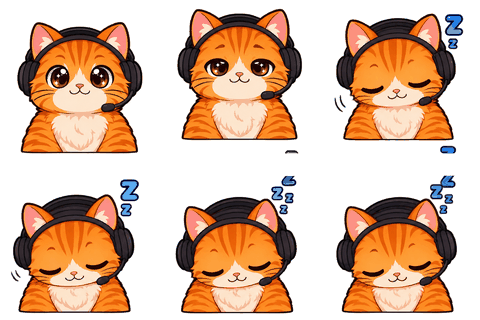
Twitch Emote MakerAnimated loops that pass the upload form.
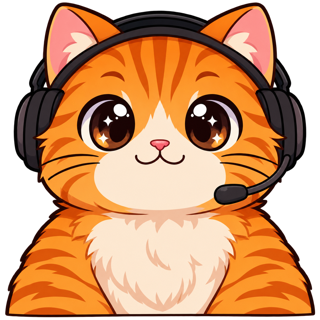
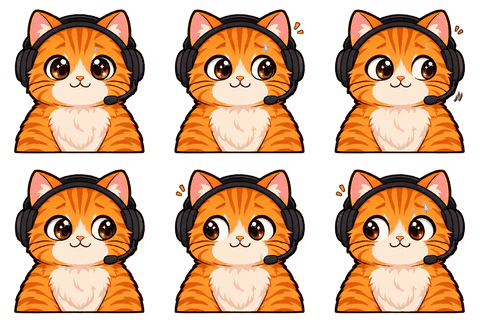
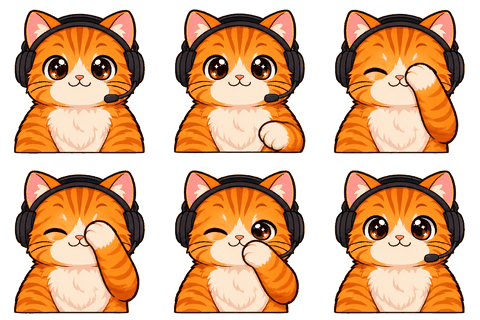
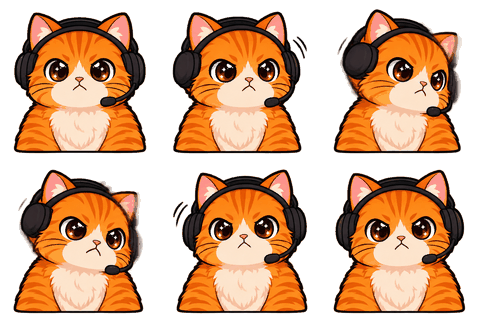
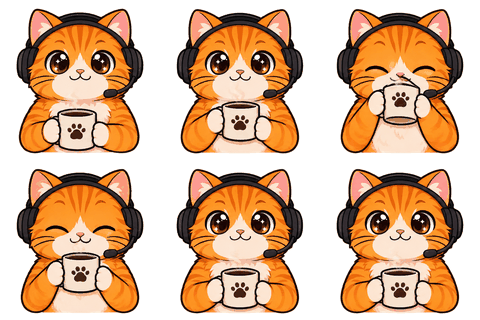
Twitch Emote Maker turns your picture or a short brief into one locked character and makes animated and static Twitch emotes from it — 112, 56 and 28 px plus the 512 auto-resize file, each checked against Twitch’s limits before you download.
- One character, every asset
- Passes Twitch & Discord limits
- Start free, no picture needed
Why this exists
The upload form is stricter than the drawing
Most people who give up on animated emotes don’t give up on the art. They give up on the form. Twitch wants square GIFs, at most 60 frames, each manual size under 512 KB, no more than three flashes in a second, and a first frame that works as a thumbnail. Miss one and the upload just fails, usually without telling you which rule you broke.
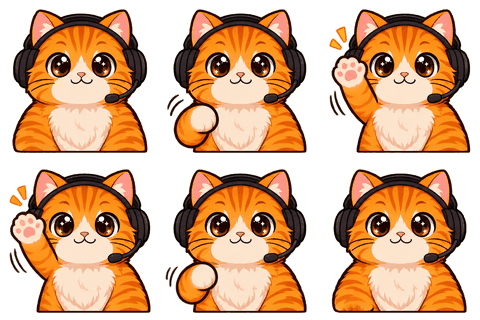
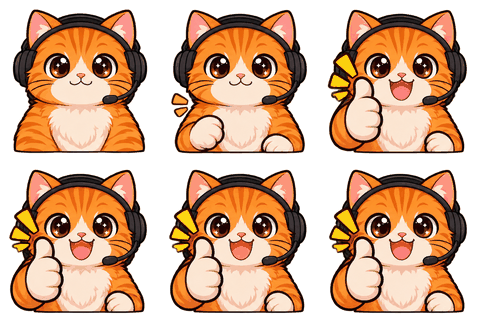
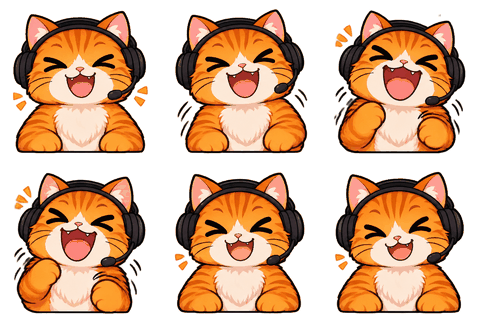
I built this so the boring part is done for you. Every emote is drawn as an 8-frame loop, sliced in your browser, sized to 112, 56 and 28 px, and squeezed under the limit. If a file is too big we cut the palette from 256 to 128 to 64 colors first and only then drop every other frame — and the check panel tells you which one happened.
How it works
From picture to emote set in four steps
- 1Upload or design
Upload 1–3 pictures of you or your mascot (front view required), or answer five questions and pick one of four drafts.
- 2Lock the character
We draw a character sheet: three views and six expressions. You confirm it. From now on every emote is drawn from this sheet.
- 3Pick your moves
Choose up to 8 of 16 presets — Hi, GG, LOL, Hype, Love, Sad, Rage, Sip, Sleep, Facepalm, No, Clap, Shock, Sweat, Dance, Think — or write your own move.
- 4Download
Preview each emote at the real 28 px size in a fake chat line, set the speed, then download one zip with every Twitch size and the check results.
What you get per emote
Seven Twitch files, plus the extras
- Animated GIF at 112, 56 and 28 px for manual upload, each under 512 KB.
- One 512 px animated GIF for Twitch’s auto-resize option, under 1 MB.
- Static PNGs at 112, 56 and 28 px from the clearest frame — these work even if you are not Affiliate yet.
- A first frame chosen on purpose: the loop starts at the peak of the move, so the thumbnail shows the expression, not a blank pose.
- The same emote at 128 px for Discord and 7TV and 112 px for BetterTTV, in their own folders.
Speed is yours to pick: slow (160 ms per frame), normal (120 ms) or fast (80 ms). Eight frames at normal speed is just under one second, which reads as a loop in chat rather than a stutter.
Honest limits
What it won’t do
Only Twitch Affiliates and Partners can upload animated emotes. That’s Twitch’s rule, not ours, and no file format gets around it. If you are not Affiliate yet, use the static PNGs now and keep the GIFs for later.
AI results vary. A hand can sprout a sixth finger in frame 3, or a word can come out misspelled. Every emote can be redone on its own for 1 credit, and you see it animated before you download anything.
Group photos come out mixed. Use one person or one character per picture. And don’t upload someone else’s face or a character you don’t own — Twitch rejects those emotes anyway.
Design notes
Why the emotes are bust shots with a white outline
At 28 px, a full-body character is a smudge. Twitch’s own guidance pushes for big faces and simple shapes, so emote recipes ask for a bust shot, bold outlines and a big readable expression. We add a thin white outline after slicing so the emote separates from both dark and light chat themes.
Flashing is checked automatically. If brightness flips sharply more than three times in a second, the panel marks the file so you can slow it down or pick a calmer move before Twitch’s reviewers do.
Specs
The limits we check for this page
| Platform | What | Size | Max file | Format | Source |
|---|---|---|---|---|---|
| Twitch | Animated emote, manual upload (28/56/112) · ≤ 60 frames | 28 / 56 / 112 | 512 KB | GIF | Official |
| Twitch | Animated emote, auto-resize (one file) · ≤ 60 frames | 112–4096 px square | 1 MB | GIF | Official |
| Twitch | Static emote (28/56/112) | 28 / 56 / 112 | 1 MB | PNG | Official |
| Twitch | Subscriber / Bits badge (18/36/72) | 18 / 36 / 72 | 25 KB | PNG | Official |
| Twitch | Channel points icon (28/56/112) | 28 / 56 / 112 | 25 KB | PNG | Common value |
Last checked 2026-11-06. “Common value” means the platform doesn’t publish it; check its upload page. Sources: Twitch animated emotes, Twitch badges, Discord emoji, Discord stickers, WhatsApp stickers, Telegram stickers.
FAQ
Frequently asked questions
What sizes do Twitch emotes need?
Static emotes are 112, 56 and 28 px PNGs. Animated emotes are GIFs: either one square file from 112 to 4096 px under 1 MB for auto-resize, or 112, 56 and 28 px files under 512 KB each. You get both.
Can I upload animated emotes if I am not Affiliate?
No. Twitch only allows animated emotes for Affiliates and Partners. Use the static PNG versions until then; they are in the same download.
How many frames does each emote have?
Eight. Twitch allows up to 60, but 8 frames keep the loop smooth and the 28 px file tiny.
Will my emotes look like the same person?
Yes, as far as AI allows: every emote is drawn from the character sheet you confirmed. If one drifts, redo just that one for 1 credit.
How long does one emote take?
About 20 seconds to draw, plus a second or two in your browser to slice and encode. Eight emotes run side by side.
Can I add text like GG or HYPE?
Yes. Turn on “Add a word” and pick GG, HYPE, LOL or your own word up to 8 characters. Short words come out spelled right far more often.
What does it cost?
One credit per animated emote. The 40-credit pack is $19.99, so 8 emotes cost about $4.
Do you check the flashing rule?
Yes. Twitch allows no more than three flashes in one second; the check panel counts sharp brightness flips in the loop and warns you before upload.
Can I use the emotes on Kick or YouTube?
Yes. The files are plain GIFs and PNGs. Kick and YouTube have their own size rules; the 112 px and 128 px versions cover most of them.
Related
Keep going
No character yet? Design one in 2 minutes.
Upload a picture or answer five questions. First round of drafts is free.