Streamer character creator
Design Your Own Streamer MascotNo drawing, no picture, two minutes.
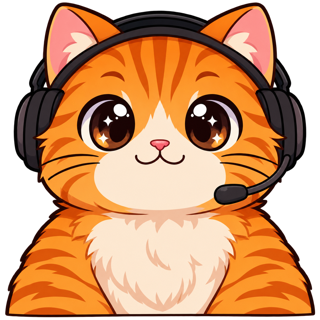
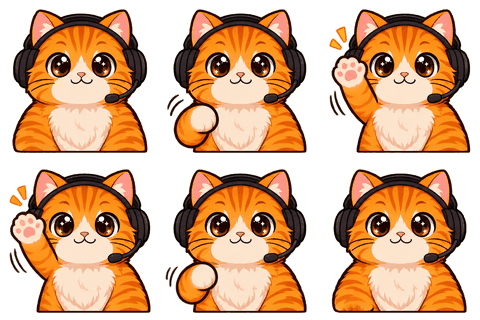
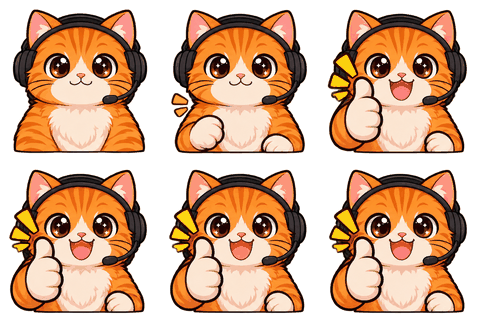
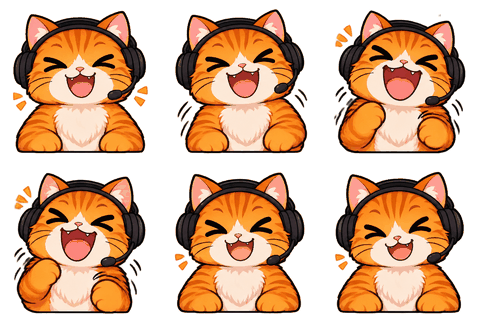
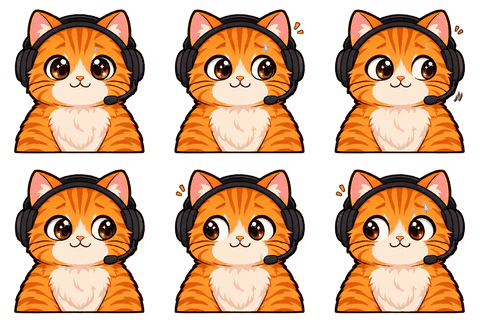
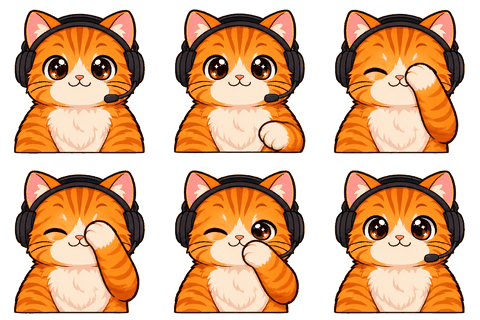
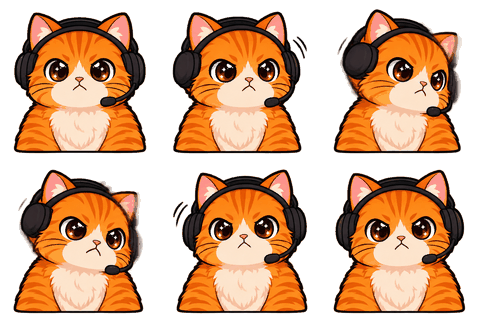
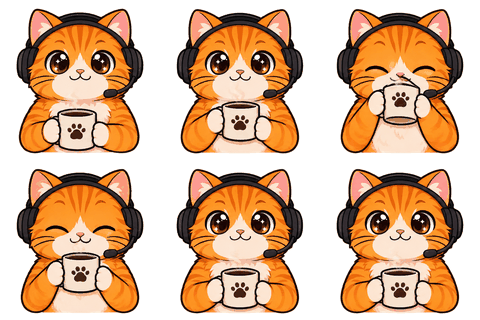
This streamer character creator turns five quick answers — channel, content, type, personality and colors — into four original mascot drafts (the first round is free), lets you tweak the one you like in plain words, and locks it as a character you can turn into emotes, badges and a PNGTuber.
- One character, every asset
- Passes Twitch & Discord limits
- Start free, no picture needed
The brief
Five questions that actually matter
- Channel name — gives the drafts a mood (we never write it in the image).
- What you stream — gaming, just chatting, art, music or other.
- Character type — animal, human, creature or object.
- Personality — cute, deadpan or hype. This decides poses and faces.
- One or two main colors, and a style: chibi, anime, pixel, 3D toy or flat sticker.
Or skip all that and write one sentence: “a sleepy raccoon who only wakes up for clutch plays.”
Drafts
Pick one of four, then tweak it
Each round draws four different original characters in one image; your browser cuts them into four cards. Pick one. Not quite right? Ask for one change at a time — colors, an accessory, rounder, slimmer — for 1 credit. Want a different direction? “4 more” draws a new round for 1 credit. The first round on a new account is free.
When it feels right, make the character sheet (2 credits): three views and six expressions. You confirm it, and that locks the look for everything after.
Identity
A name and a catchphrase to start with
We suggest a name, a one-line personality and a catchphrase from simple word lists that match your answers (“I’m not mad. I’m buffering.” for a deadpan creature). They’re starting points; rename it in one click. Your palette’s hex codes go on the character card PDF so other artists can match it.
What works at emote size
Design for 28 px
Simple silhouettes, big eyes, two or three colors, one signature feature (ears, a hat, a scarf). Skip tiny logos and detailed patterns. The guide on designing a streamer mascot goes deeper.
Limits: drafts are original but AI can echo existing styles; we block obvious requests for known characters. Keep it yours.
Who it’s for
Who this is for
Made for streamers who don’t want their face on camera, for communities that need a mascot, and for anyone who has a channel name but no visual identity yet. It’s also a quick way to test an idea: four drafts cost nothing the first time, and you’ll know within a minute whether a raccoon or a toaster fits your channel better. If none of the four feel right, change one answer — personality usually makes the biggest difference — and draw another round.
After you lock it
What your mascot turns into
- Animated emotes for Twitch, Discord, 7TV and BTTV.
- A PNGTuber avatar with a mic test, so your mascot can talk for you on stream.
- Sub badges and channel points icons in its likeness.
- A channel kit: avatar, banner, offline screen, panels.
- Stickers for WhatsApp, Telegram and Discord, and a printable sticker sheet.
The IP Starter route — drafts, sheet and 8 emotes — is about 11 credits. You still pick your favorite draft and confirm the sheet yourself; nothing gets made from a look you haven’t approved.
Example briefs
One-sentence briefs that work
- “A sleepy raccoon who only wakes up for clutch plays.”
- “A tiny toaster knight with a bread shield, very serious.”
- “A cheerful mushroom DJ with big headphones, pastel colors.”
- “A deadpan ghost accountant in a cardigan.”
Good briefs name one creature or object, one personality and one prop. Lists of ten features make muddier drafts.
FAQ
Frequently asked questions
Do I need to draw anything?
No. Answer five questions or write one sentence and pick from four drafts.
Is it free to try?
The first round of four drafts is free on a new account. New accounts also get 3 credits.
How do I change a draft?
Pick it, then describe one change in plain words (1 credit per tweak).
Can I ask for a character from a game?
No. Drafts are original, and requests for known characters are blocked.
Do I get a name?
Yes, a suggested name, personality line and catchphrase you can edit.
What happens after I pick?
You make a character sheet (2 credits) and confirm it. Then the workbench opens: emotes, PNGTuber, badges and more.
Can I come back later?
Yes. Your character stays in My characters until you delete it.
Which style is best for emotes?
Chibi and flat sticker read best at 28 px. Pixel art works if you like the look.
Can I upload a sketch instead?
Yes. Switch to “I have a picture” and upload a photo of your sketch; Keep my style follows your lines.
How many drafts can I see?
As many rounds as you like at 1 credit per round of four, after the free first round.
Who owns the character?
You do, including commercial use of the generated art. We keep the right to show it only if you share it publicly.
Related
Keep going
No character yet? Design one in 2 minutes.
Upload a picture or answer five questions. First round of drafts is free.