Twitch channel kit
Twitch Channel KitAvatar, banner, offline screen, panels.
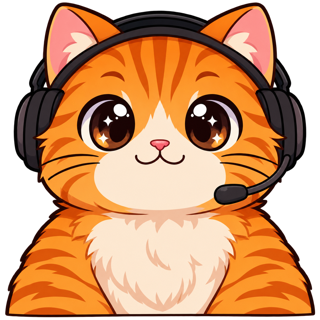
Twitch Channel Kit makes your profile picture, profile banner, offline screen and six info panels from one locked character, drawing your channel name as real text so it’s never misspelled, and checks each file against Twitch’s limits.
- One character, every asset
- Passes Twitch & Discord limits
- Start free, no picture needed
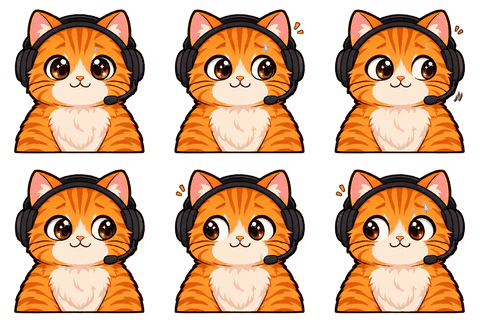
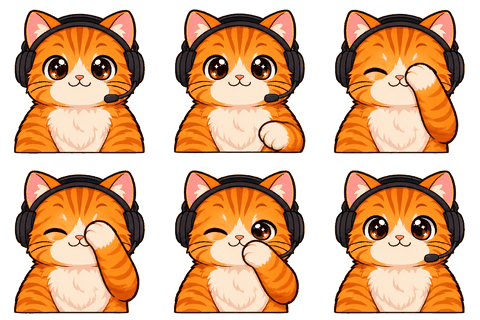
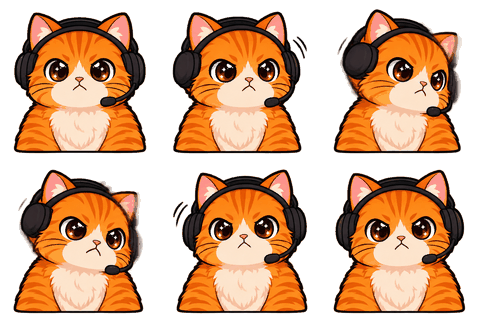
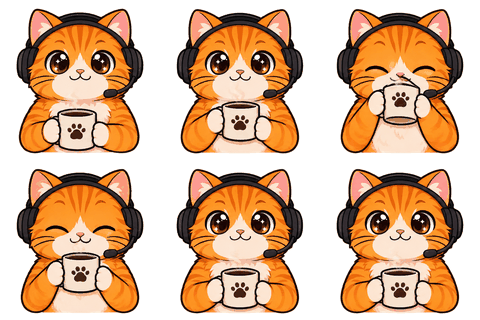
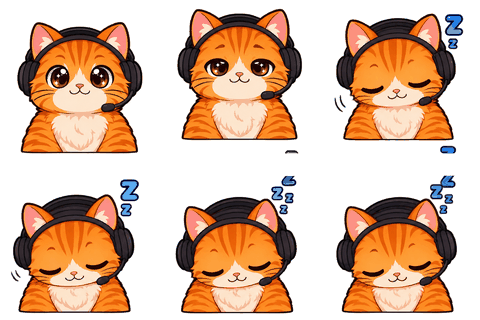
What’s in the kit
Four pieces viewers see before they hear you
- Profile picture, 800×800 (Twitch accepts up to 10 MB).
- Offline screen, 1920×1080 — the character resting, with your channel name and schedule.
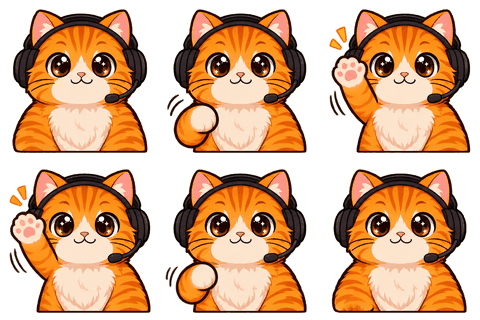
- Profile banner, 1200×480 — the character waving, your name on the left.
- Six info panels, 320 px wide: About, Schedule, Rules, Donate, Socials, Setup.
The 800×800 avatar size and 10 MB limit come from Twitch. The banner, offline and panel sizes are the values streamers commonly use; Twitch doesn’t publish exact ones, and we say so in the check panel.
Why text is drawn separately
Models are bad at spelling your channel name
Image models misspell long words. A banner that says “NooldeNihgts” is worse than no banner. So the model only draws the character with empty space; your browser then paints a background in your character’s palette and writes the channel name and tagline as real text. Change the name and the preview updates instantly, no credits.
Steps
Kit in one click
- 1Lock your character
Upload or design it, confirm the sheet.
- 2Whole kit
One button queues avatar, offline screen, banner and panels — 4 credits.
- 3Type your text
Channel name and a tagline like “Live Mon · Wed · Fri, 8pm”.
- 4Download
PNG files in twitch-channel-kit/, each checked, with upload steps in the README.
Who it’s for
Who this is for
Made for streamers whose channel page still shows the default purple avatar, and for anyone rebranding around a new mascot. The whole kit is four credits, the text is free to change any time, and every image shares the same character and palette as your emotes, badges and PNGTuber, so a visitor sees one consistent channel.
Panels
Six panels most channels need
About, Schedule, Rules, Donate, Socials and Setup. Each panel shows your character doing something related — holding a calendar for Schedule, a rule book for Rules, a tip jar for Donate — with the title drawn in clean text on your palette. Below each panel on Twitch you add your own description and links.
If you need other titles, make the panel set and use the Setup or About art with your own text in any editor; the art is on its own layer in the sprite sheet.
Color
Backgrounds from your character’s palette
Backgrounds are a soft gradient from your character’s colors with a dark wash, so text stays readable and the kit looks related to your emotes. Designed characters take the colors you picked; uploaded ones can set a palette later. Everything is composed in your browser, so changing the tagline or name never costs credits.
Upload
Where each file goes on Twitch
- 1Profile picture and banner
Settings → Profile → Profile Picture and Profile Banner.
- 2Offline screen
Settings → Stream → Video Player Banner.
- 3Panels
Your channel page → About → Edit Panels → add an image panel for each.
The README in the zip repeats these steps next to the check results, so you can upload straight from the download folder.
Limits
Know before you upload
Twitch crops the banner differently on phones and desktops; keep the important part (your name) toward the left-middle, which is where we put it. Panels look best with short titles; long ones are shrunk to fit.
Specs
The limits we check for this page
| Platform | What | Size | Max file | Format | Source |
|---|---|---|---|---|---|
| Twitch | Profile picture | 800 | 10 MB | PNG, JPG, GIF | Official |
| Twitch | Offline screen (common size) | 1920×1080 | 10 MB | PNG, JPG | Common value |
| Twitch | Profile banner (common size) | 1200×480 | 10 MB | PNG, JPG | Common value |
| Twitch | Info panel (320 wide, ≤ 300 high) | 320×100 | 10 MB | PNG, JPG | Common value |
Last checked 2026-11-06. “Common value” means the platform doesn’t publish it; check its upload page. Sources: Twitch animated emotes, Twitch badges, Discord emoji, Discord stickers, WhatsApp stickers, Telegram stickers.
FAQ
Frequently asked questions
What size is a Twitch profile picture?
Twitch accepts JPEG, PNG or GIF up to 10 MB; 800×800 is the common size and what we export.
What size is a Twitch banner?
1200×480 is the commonly used size; Twitch doesn’t publish an exact one.
What size is a Twitch offline screen?
1920×1080 is the common value, matching a 1080p stream.
How wide are Twitch panels?
320 px wide; we keep them 100 px tall (well under the 300 px most streamers use as a cap).
Will the AI misspell my name?
No: the name is drawn as real text in your browser, not by the model.
How much is the kit?
One credit per image: avatar, offline screen, banner and the six panels together — 4 credits.
Can I change the text later?
Yes, any time, for free. Only the character art uses credits.
Do I need Affiliate?
No. Every Twitch account can set an avatar, banner, offline screen and panels.
Can I use the kit on Kick or YouTube?
Yes. The avatar and offline art are plain PNGs; resize or crop the banner for other platforms’ banner sizes.
Do panels have to be 320 px?
Twitch shows panels 320 px wide; wider images are scaled down, so exporting at 320 keeps text sharp.
Is the background transparent?
No. Channel art is composed on a background from your character’s palette, because banners and offline screens need one.
Related
Keep going
No character yet? Design one in 2 minutes.
Upload a picture or answer five questions. First round of drafts is free.